
File manager in WordPress with the help of the Filester plugin – File Manager Pro
If you frequently work with files on your WordPress website, you can connect to your hosting account using an FTP client such as WinSCP or FileZilla. However, if you prefer to manage files directly from the WordPress dashboard, you can install a file management plugin.
One popular option is Filester – File Manager Pro, which provides a browser-based file manager directly within the WordPress administration panel.
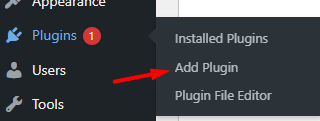
1. Log in to the backend of your “WordPress” and then go to the “Plugins” section in the menu on the left and “Add new” there.
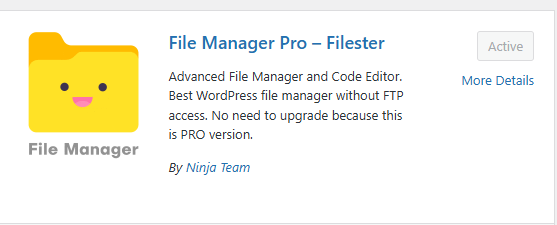
2. Then, in the search box on the right, type that you are looking for filester, and when the plugin is found, click on the “Install” button and when the installation is complete, click on the “Enable” button.
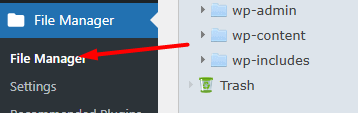
3. After refreshing the “WordPress” backend, you will find a new “File Manager” item in the menu on the left.
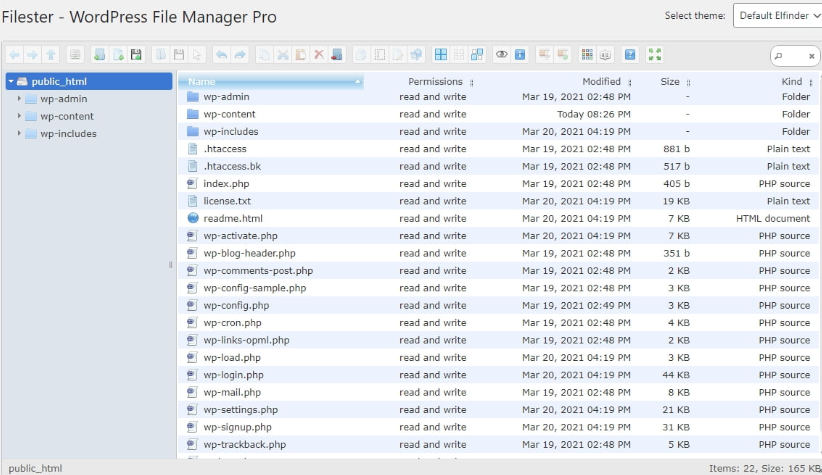
4. After loading the page, you will see an intuitive file manager that will allow you to act on files from the browser, directly from the “WordPress” backend.
Didn't find an answer?
Our support team is here for you 24/7 – write to us and we will help you sort it out.